Cursor vs Windsurf vs Claude Code: The Workflow Differences Now Matter More Than Model Access
The latest coding-assistant comparisons point to a more useful question than model quality alone: what kind of AI working relationship actually matches how you build software?
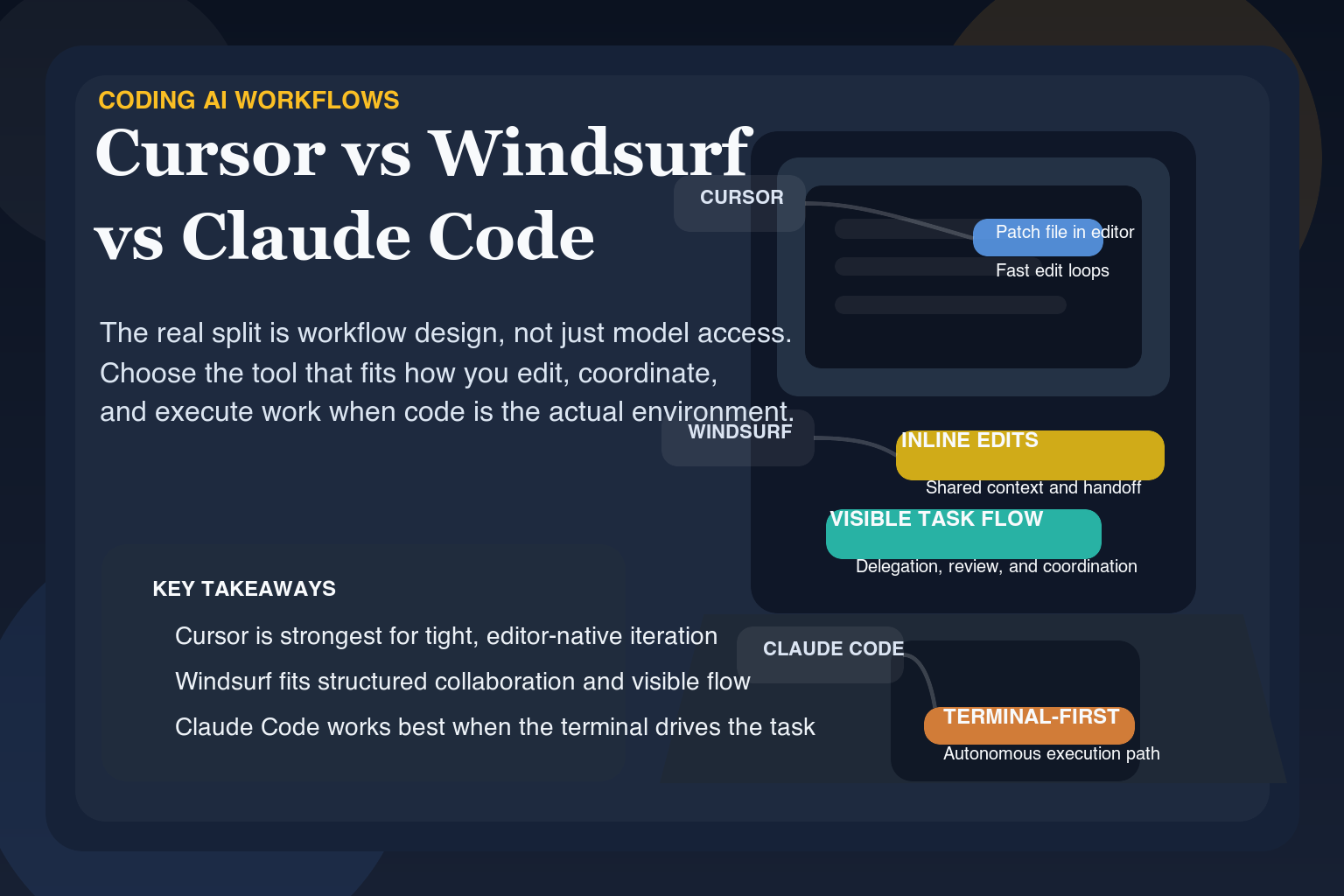
The most useful recent coding-assistant comparisons are no longer asking only which tool has access to the strongest model. They are asking what kind of AI working relationship each tool actually creates.
That is the right lens, because coding AI has moved beyond isolated demos. Developers now need to decide whether they want an AI-native editor, an iterative collaborator, or a terminal-first engineering assistant for larger tasks.
- Cursor, Windsurf, and Claude Code are increasingly competing on workflow shape rather than raw model access.
- Editor-native polish, iterative collaboration, and terminal-based autonomy are meaningfully different product bets.
- The best coding assistant depends more on how you build than on any single benchmark or model-name comparison.
The real split is workflow design
One of the cleaner recent comparisons frames Cursor as the most polished AI editor, Windsurf as the most collaborative value play, and Claude Code as the strongest terminal-first AI engineer for large and complex tasks. That framing matters because it shifts the evaluation from features on a landing page to the daily working relationship each tool creates.
Cursor tends to shine when the work stays close to the editor: focused refactors, component generation, and small-to-medium scope changes where the developer still wants a lot of direct control. Windsurf is positioned more as a back-and-forth collaborative environment, especially useful for iterative refinement and smaller projects where continuity and cost matter. Claude Code is presented as the strongest option for large codebases and architecture-heavy work, with the tradeoff being cost and a less editor-native flow.
Why this comparison matters
Many AI tool comparisons are shallow because they reduce the conversation to model names and checklists. This one is stronger because it focuses on where each tool fits. The practical question is not which product has the most impressive claim. It is which one matches the way a developer actually prefers to work: in-editor, collaborative, or agentic and terminal-first.
- Choose editor-native tools when control and speed inside the IDE matter most
- Choose collaborative tools when session continuity and iteration style matter
- Choose terminal-first agents when codebase scale and task depth matter more than interface polish
What the broader market signal is
Coding AI is increasingly a workflow-design problem, not a model-access problem. That means vendors cannot rely forever on saying they have a strong underlying model. They need to decide what kind of software delivery relationship they are building around that model, and developers need to choose based on that same question.
Read the Cursor vs Windsurf vs Claude Code comparison →The strongest question in coding AI right now is not which tool is best in the abstract. It is which style of AI partnership best matches the way you actually ship software.
That is why workflow-level comparisons are becoming more valuable than yet another model leaderboard.
Ready to try it yourself?
Get started with the tools mentioned in this article. Most have free trials - no credit card required.
Browse Matching Tools ->